Morgen vs Chronock: Pricing, Sync, and Booking (2026)
Morgen vs Chronock for freelancers, consultants, and coaches: supported calendars, busy blocking, booking pages, AI planning, apps, and pricing compared.
Morgen and Chronock are two of the few apps that combine a unified calendar, scheduling links, and a way to block time across calendars. If you juggle a personal calendar, your own business calendar, and client accounts, both are on the shortlist.
They come at the problem from different directions. Morgen is an AI daily planner: it brings calendars and tasks together and helps you time-block your day. Chronock is built around scheduling with clients: booking pages, candidate times, and sync rules that copy busy time between Google and Microsoft 365 calendars.
This article is published on Chronock’s own blog, so fairness matters. Morgen information below is current as of October 2026, based on Morgen’s official site, pricing page, guides, and changelog. Check the latest pages before deciding.
Short answer
Choose Morgen if you want one app for every calendar provider, including iCloud and Fastmail, on Windows, Mac, Linux, the web, and mobile, and you want to plan tasks from Notion, Todoist, or Linear on your calendar with AI help.
Choose Chronock if your calendars are on Google and Microsoft 365 and clients book time with you. Chronock copies busy time between calendars when events change, not on a daily schedule, offers booking pages that check the calendars you include in availability checks, and starts free. Pro is $80/year, compared with Morgen’s $180/year.
| Choose | Best fit |
|---|---|
| Morgen | You plan your day around tasks, use iCloud, Fastmail, or Linux, and want native apps on every platform. |
| Chronock | You run client sessions or meetings across Google and Microsoft 365 calendars, want busy copies that follow changes during the day, and want to start free. |
Comparison table
| Area | Morgen | Chronock |
|---|---|---|
| Price | $15/month billed yearly ($180/year), $30 billed monthly. Team plans from $10/seat/month billed yearly, minimum 2 seats | Free plan. Pro $9/user/month or $80/year |
| Free plan or trial | No free plan listed. 14-day free trial, no credit card, 30-day money-back guarantee | Free plan. 7-day free trial of Pro |
| Calendars | Google, Outlook / Microsoft 365, iCloud, Fastmail, and more. Morgen 4 does not support Exchange On-Premises | Google (several accounts), Outlook on Microsoft 365 work or school accounts. No iCloud, Outlook.com, or CalDAV |
| Apps | Windows, macOS, Linux, web, iOS, and Android | Web, Android on Google Play, and a Mac app for Apple Silicon (macOS 14+) |
| Blocking across calendars | Documented calendar propagation workflow: runs daily at 6:00 pm for the next 14 days, or on demand. Copies show as “Private Event (from Morgen)” | Sync rules, one-way or two-way, updated when the original changes. Copies cover the next 12 months. Busy only, title, or title and description |
| Booking | Booking page and scheduling links, with availability checked in real time against the calendars you choose | Booking pages that check the calendars you include in availability checks. Rooms, group scheduling (Pro), daily booking limits |
| Proposing times in email | Not a focus on the pages we checked | Candidate-times text to paste into email or chat. Pro adds holds on those times |
| After the booking | Not described on the pages we checked | Bookings and contacts in a CRM (Pro), plus webhooks |
| Tasks and AI | AI Planner suggests time blocks you confirm. Task integrations include Notion, Todoist, Linear, ClickUp, Obsidian, Google Tasks, and Microsoft To Do | No task management or AI planner. An MCP server lets AI assistants check availability and prepare candidate times |
| Data location | Stored in Switzerland or the EU, per its pricing FAQ | See Chronock’s privacy policy |
Where Morgen is strong
Provider coverage. Morgen’s site lists Google, Outlook, Apple, Fastmail, and more, and its pricing page adds Zoho to the list of integrations. If any part of your life runs on iCloud or Fastmail, Morgen can show it. Chronock can’t.
Apps on every platform. The pricing page lists apps for Windows, macOS, Linux, mobile, and the browser. The download page offers Mac builds for both Apple silicon and Intel, and Linux packages. Morgen’s FAQ describes iOS and Android apps. Chronock has a web app, an Android app, and a Mac app for Apple Silicon.
Tasks and AI time blocking. Morgen’s AI Planner suggests where tasks fit in your week, guided by “Frames” you set up, and you accept or adjust the plan. It pulls tasks from Notion, Todoist, Linear, ClickUp, Obsidian, and other tools. If your day is a mix of client calls and deep work on a task list, this is Morgen’s core strength, and Chronock has nothing like it.
More calendar automations. Besides calendar propagation, Morgen can add travel time and buffer time around events automatically. Its propagation workflow also has a “Nerd Mode” for editing the workflow’s code, for example to only copy events during business hours.
Team availability and team plans. Morgen shows colleagues’ availability and has Team plans from $10/seat/month billed yearly.
What to watch with Morgen
No free plan. The pricing page offers a 14-day free trial and a 30-day money-back guarantee, then $15/month billed yearly or $30 billed monthly.
The documented propagation workflow runs once a day. Morgen’s calendar propagation guide says the workflow runs daily at 6:00 pm and propagates events in the upcoming 14 days. You can also run it manually. Cancelled or moved events are updated, but with a lag until the next run. If a client books your 3:00 pm slot in the morning, a personal appointment added at noon may not block your work calendar until evening.
This matters most when other people book you through a different tool or check your free/busy status. If Morgen’s own booking page is the only way people book you, it checks your chosen calendars in real time, so the daily lag affects other tools rather than Morgen’s links.
Legacy calendars. Morgen 4’s release notes say it no longer supports Exchange On-Premises, along with some CalDAV servers that did not meet its requirements. A later 4.0.2 update extended compatibility to CalDAV accounts without modern sync support. If you rely on Exchange On-Premises, check before switching.
Where Chronock is strong
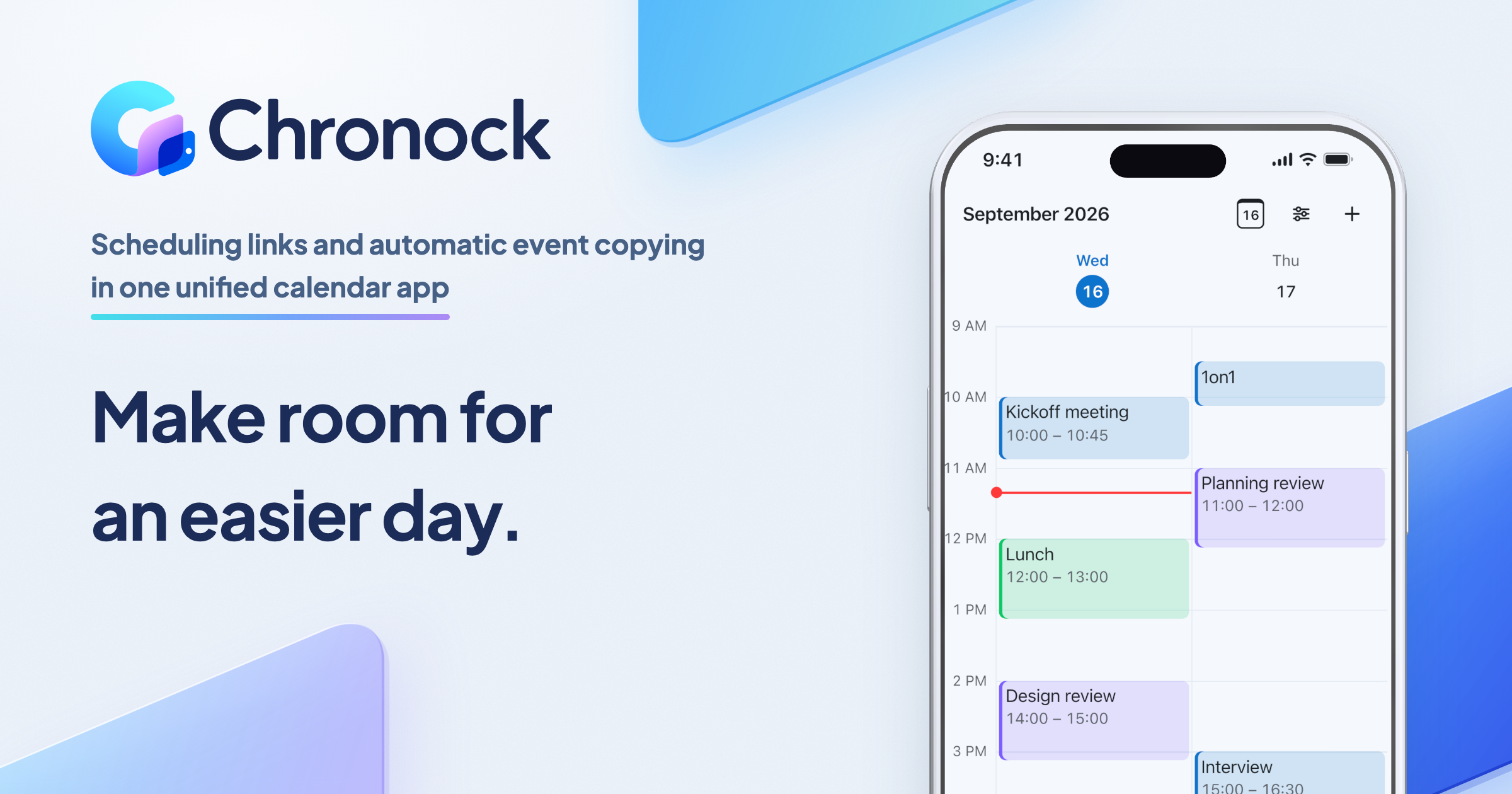
Chronock is a unified calendar with scheduling and automatic event copying, built around Google Calendar and Outlook on Microsoft 365. It does not replace either one. Your events stay in Google and Outlook, and Chronock reads and writes them there.
One view of work, client, and personal calendars
The integrated calendar shows several Google accounts and Microsoft 365 Outlook calendars together, in day, 2-day, 3-day, week, and month views. You can create, edit, and delete events in connected Google and Outlook calendars and choose which calendar each new event is saved to.
 A coaching calendar, a day-job Microsoft 365 calendar, and a private calendar in one week view.
Busy copies that follow every change
Sync rules copy events one-way or two-way, between Google calendars, between Outlook calendars, or across the two. Copies are created, updated, and deleted when the original event changes, and rules cover the next 12 months. You choose whether a copy shows busy status only, the title, or the title and description.
A busy-only copy is a real event titled “Busy” in the destination calendar. A client’s scheduling tool or a coworker’s free/busy lookup sees it, even if they never use Chronock.
 Two busy-only rules between Outlook and Google (Pro; Free includes one one-way rule). Each copy is a real event, so availability checks on the destination calendar see it.
For the setup steps, see the Chronock sync rules guide.
Booking pages, candidate times, and a CRM
Booking pages check the calendars you include in availability checks before offering a time. Booking slots can be grouped into rooms, with group scheduling and daily booking limits, which suits coaches who run intro calls, ongoing sessions, and group sessions from the same calendar.
When a link feels too formal, Chronock turns open times into candidate-times text you paste into an email. On Pro, holds protect those times while you wait, with a default 24-hour expiry, and bookings and contacts are kept in a CRM. Webhooks, plus Zoom and Slack integrations, connect Chronock to the rest of your tools.
A free start and a lower price
Chronock Free includes up to 2 calendar connections across Google and Outlook, 1 active booking slot with a shareable booking page, availability checks, and one one-way, busy-only sync rule. That covers the most common setup, personal events blocking a work calendar, at $0.
Chronock Pro is $9/user/month, or $80/year, with unlimited connections and rules, two-way sync, copying titles and descriptions, unlimited booking slots, group scheduling, holds, and the CRM. Morgen is $180/year billed yearly.
What to watch with Chronock
- No iCloud, Fastmail, or CalDAV. If any of your calendars are there, Morgen supports them and Chronock does not.
- Microsoft 365 work or school accounts only. Personal Microsoft accounts (Outlook.com, Hotmail) are not supported.
- One calendar per connected account. Chronock uses the primary calendar of each connected Google or Microsoft 365 account. Other calendars inside the same account are not imported.
- No task management or AI planner. If you time-block a task list every morning, Chronock will not do it for you.
- Fewer platforms. Chronock offers web, Android, and Mac for Apple Silicon. Its download page does not list an iOS, Windows, or Linux app.
- Some events are view-only. Events you were invited to, bookings, and Chronock’s own copies can’t be edited from the integrated calendar.
- Company accounts may need admin approval. Google Workspace and Microsoft 365 admins can restrict third-party apps. Morgen notes the same about organizations that limit third-party calendar tools.
Who should choose which
| Situation | Easier choice |
|---|---|
| Any of your calendars are on iCloud or Fastmail | Morgen |
| You work on Windows or Linux and want a native app | Morgen |
| You plan tasks from Notion, Todoist, or Linear on your calendar | Morgen |
| You want AI to suggest your daily plan | Morgen |
| Clients book you through other tools or check your free/busy, and copies must follow changes during the day | Chronock |
| You want to start free with one busy-only rule and a booking page | Chronock |
| You need several Google and Microsoft 365 calendars kept in sync for under $100/year | Chronock Pro |
| You send candidate times by email and want to hold them while awaiting a reply | Chronock Pro |
| You want bookings and contacts recorded next to your calendar | Chronock Pro |
FAQ
Does Morgen have a free plan?
Morgen’s pricing page lists a 14-day free trial with no credit card, then paid plans starting at $15/month billed yearly. It does not list a free plan.
How does Morgen sync events between calendars?
With its calendar propagation workflow. According to Morgen’s guide, it blocks events from a source calendar on a destination calendar as “Private Event (from Morgen)”, runs daily at 6:00 pm for the next 14 days, and can be triggered manually.
Is Chronock cheaper than Morgen?
Yes. Chronock Pro is $80/year, or $9/user/month billed monthly. Morgen is $15/month billed yearly ($180/year), or $30 billed monthly. Chronock also has a free plan.
Does Chronock support iCloud like Morgen?
No. Chronock supports Google Calendar and Outlook on Microsoft 365 work or school accounts. If you need iCloud, Morgen or Notion Calendar support it.
Is Morgen a good Clockwise alternative?
For AI-assisted time blocking with you in control, yes. For automatic Focus Time and meeting rescheduling, Reclaim.ai is closer. See Clockwise alternatives for a full breakdown.
Bottom line
Morgen is the broader app. It connects almost every calendar provider, runs on every platform, and plans your tasks with AI. If those matter, it is worth $15 a month.
Chronock is narrower and cheaper. For freelancers, consultants, and coaches on Google and Microsoft 365, it keeps busy time in sync as events change, gives clients booking pages that respect the calendars you include in availability checks, and adds candidate times, holds, and a CRM, starting free.