For people balancing a job and a side business

Stop copying events by hand. Let sync rules do it.

Two professionals planning a side business with a laptop at a standing office counter

Side-business consultation

Confirmed

Tue, Oct 14 · 6:30–7:15 PM

Google Meet · Calendars synced

Even with separate calendars for your job, side business, and personal life, Chronock keeps them in sync automatically. Share just “busy” while hiding details, so your side-business schedule never exposes itself on your work calendar.

View pricing
  • Keep event details private while syncing
  • Work, side-business, and personal calendars considered
  • Accept bookings only during side-business hours

Are missed copy-overs turning into double bookings?

With separate calendars, every new event means copying it somewhere else. When plans change, hand-maintained copies fall out of date fast.

Manually adding “busy” blocks to your work calendar whenever side-business meetings come up

Wanting to block time on another calendar without revealing what your personal events are

Worrying that a missed copy or forgotten update will cause a double booking

Calendar sync

Automatic sync with visibility you control

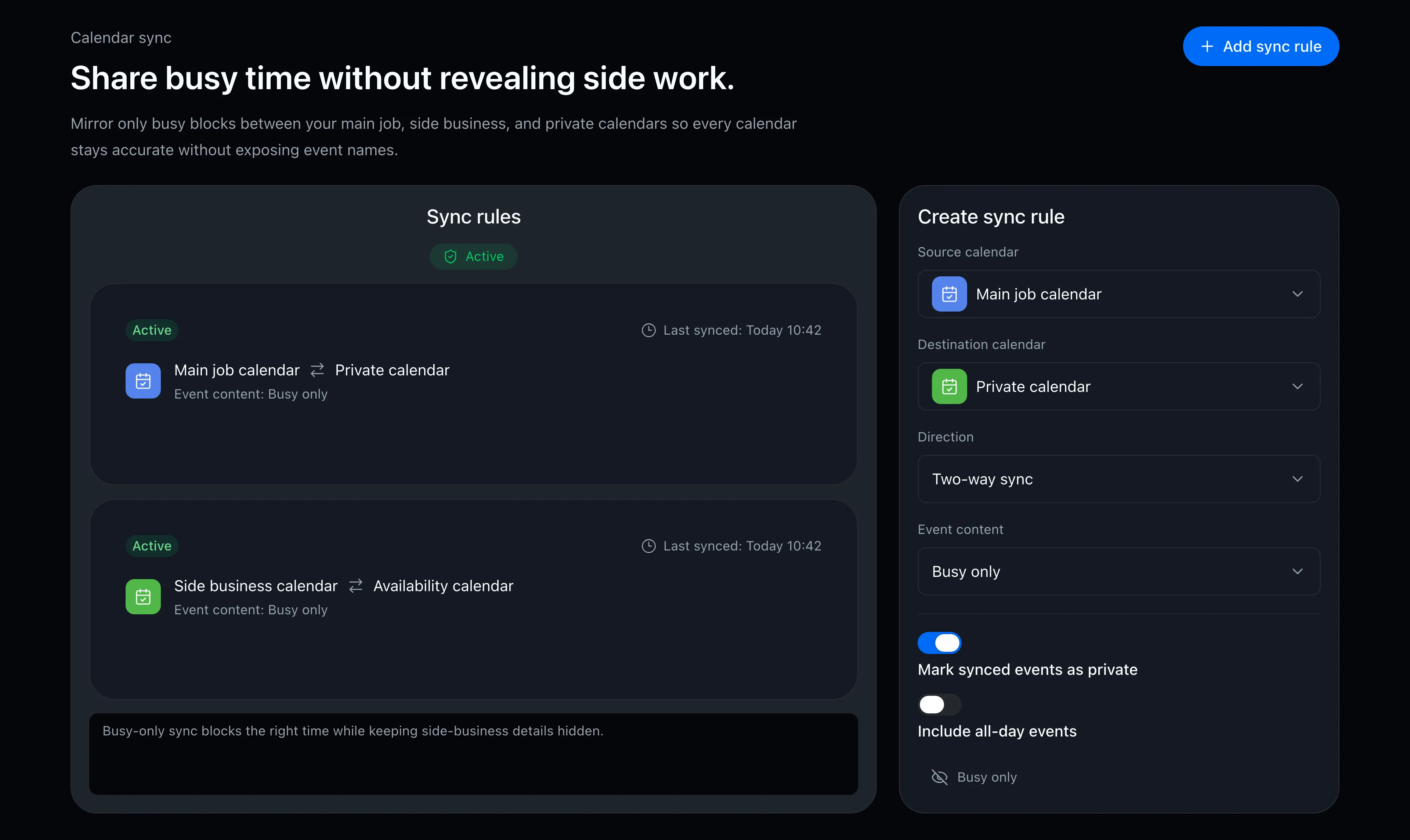
Choose source and destination calendars, and define how events appear. Calendars that shouldn’t see details get just a “busy” block.

  • Events sync automatically across work, side-business, and personal calendars
  • One-way or two-way rules between any source and destination
  • Destinations can show just “busy” while titles and details stay hidden
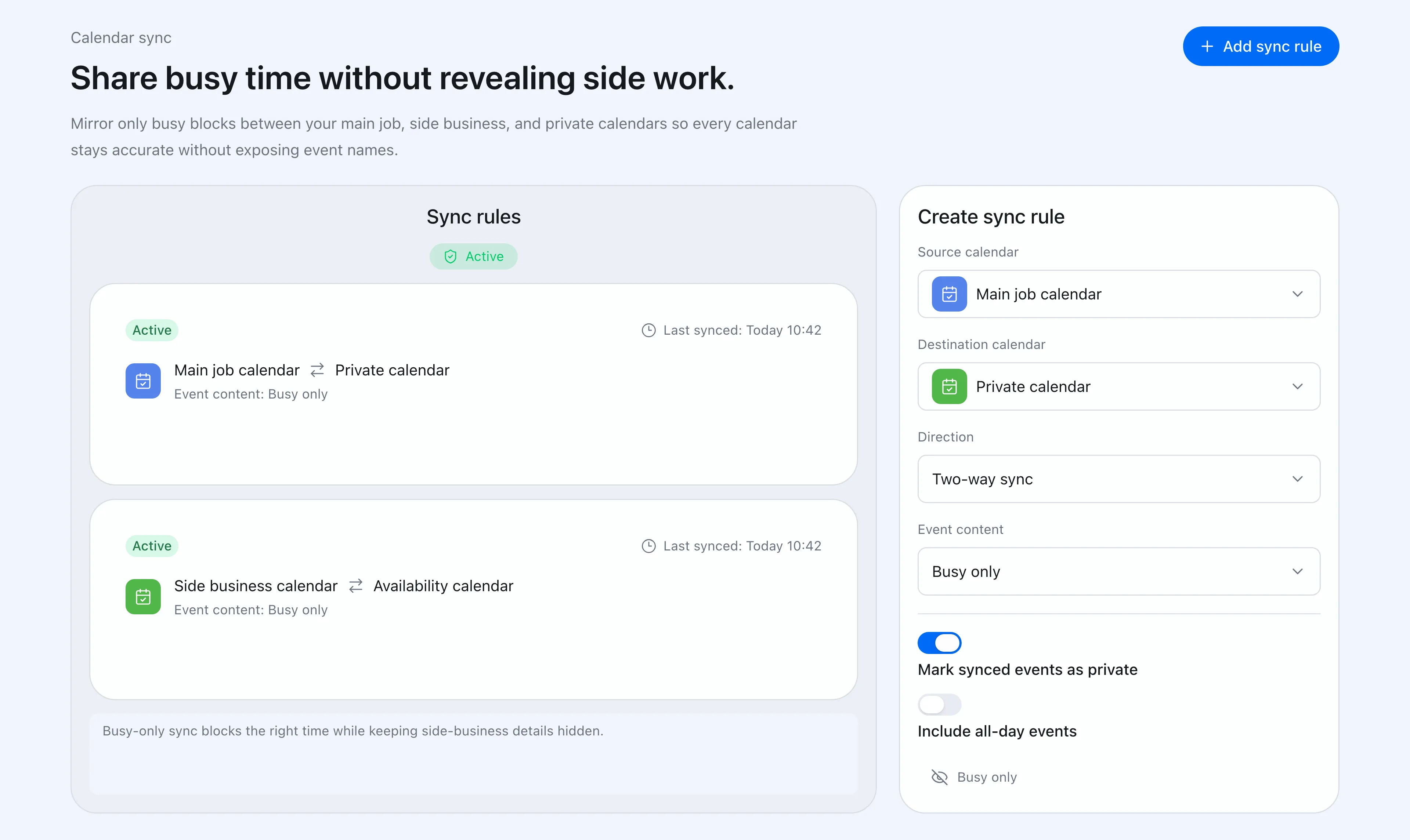
Calendar sync rule settings screen
Booking link

Scheduling is just sharing a URL

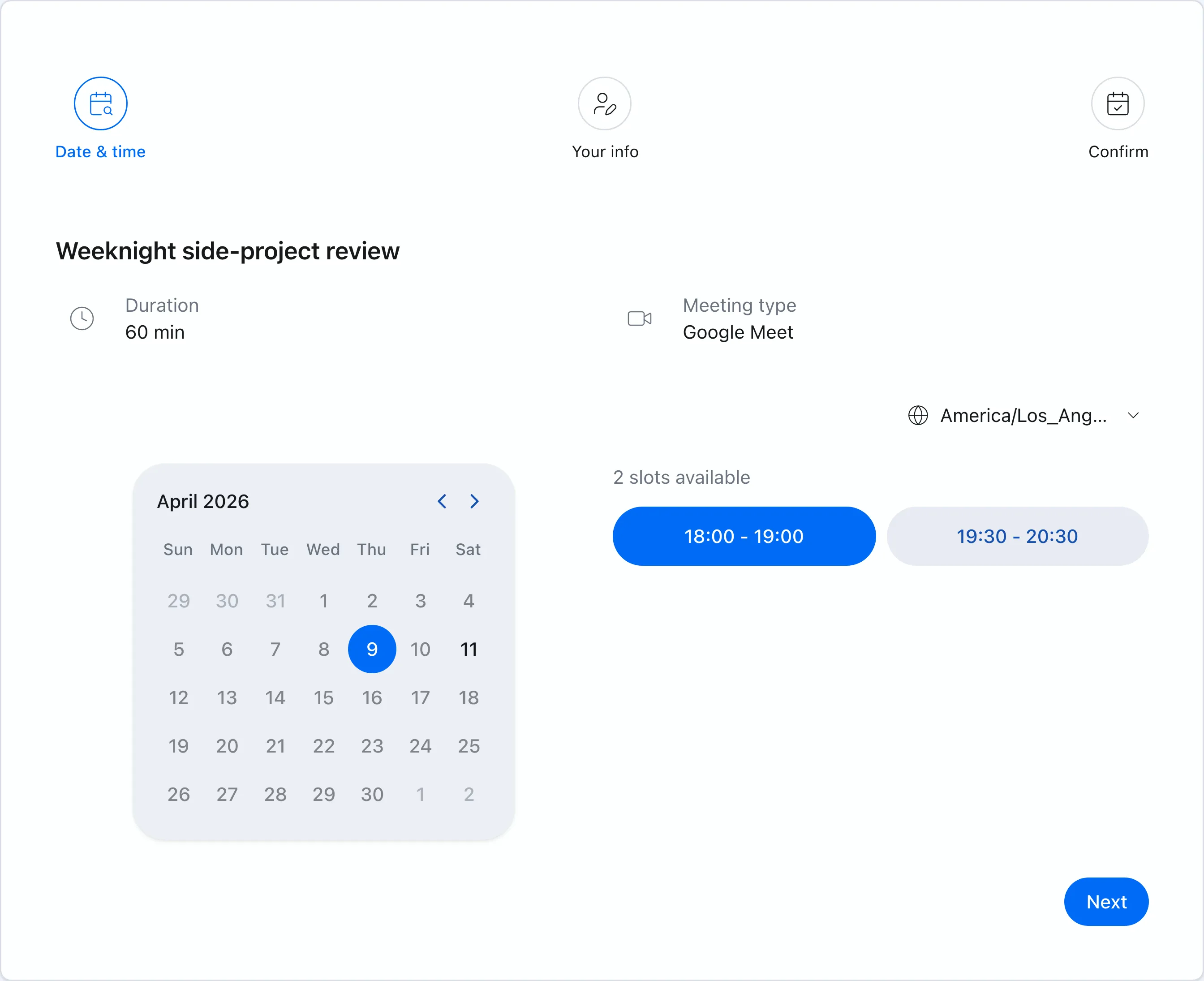
Synced events feed availability detection too. Share your booking URL, and guests see only times that work across every calendar you have.

  • Availability detected automatically across all connected Google Calendars
  • Guests pick from the offered times — scheduling done
  • Confirmed meetings land on your calendar with Meet or Zoom links created automatically
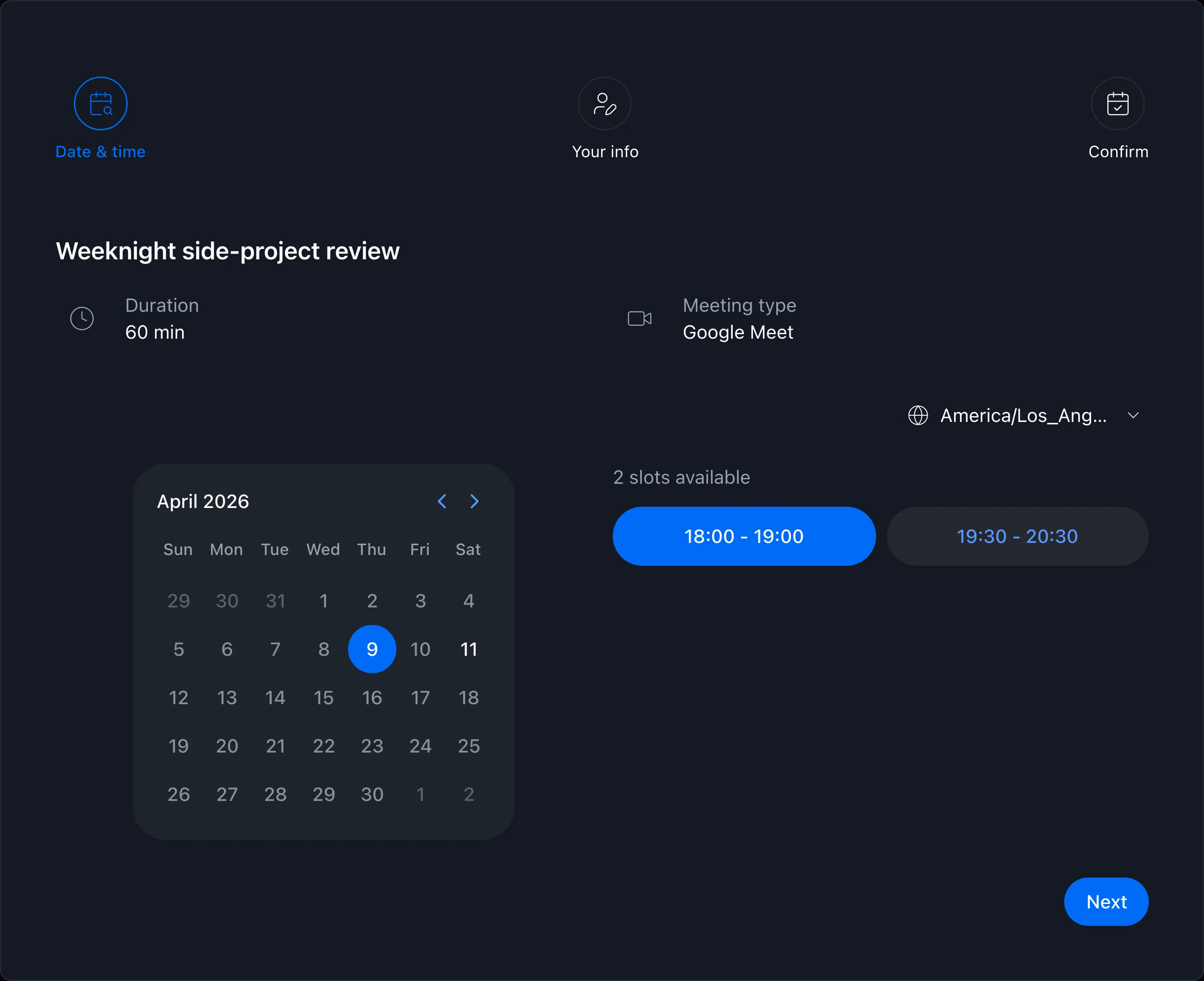
Booking page showing available times
Booking slots

Accept bookings only when you moonlight

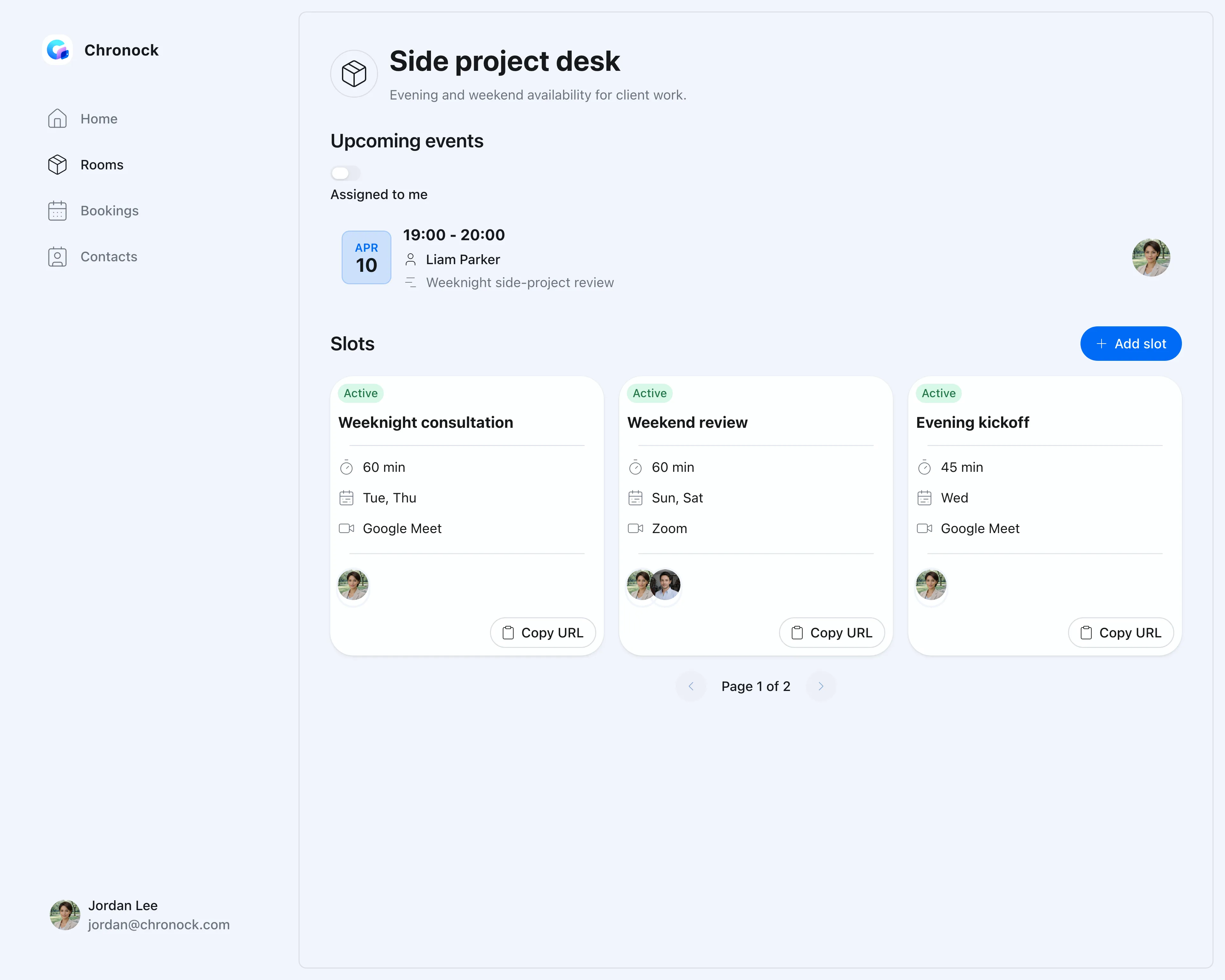
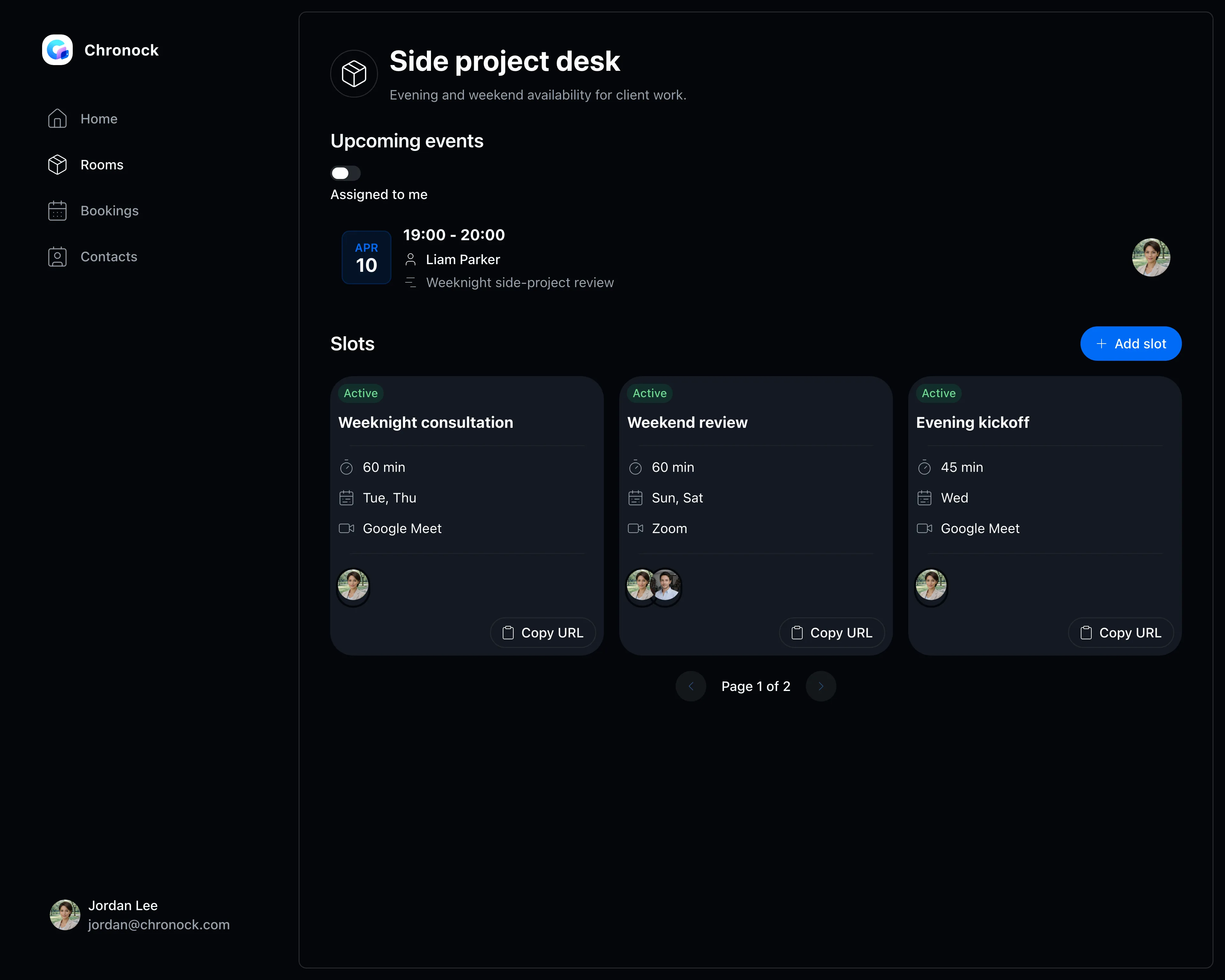
Weekday evenings only, weekend mornings only — restrict bookings to the days and hours you actually reserve for your side business.

  • Flexible rules for days, time windows, and holiday exclusions
  • Buffers before and after meetings protect context-switching time
  • Separate meeting lengths and rules per type of engagement
Booking slot settings screen
Integrated calendar

See your day job and side business in one calendar

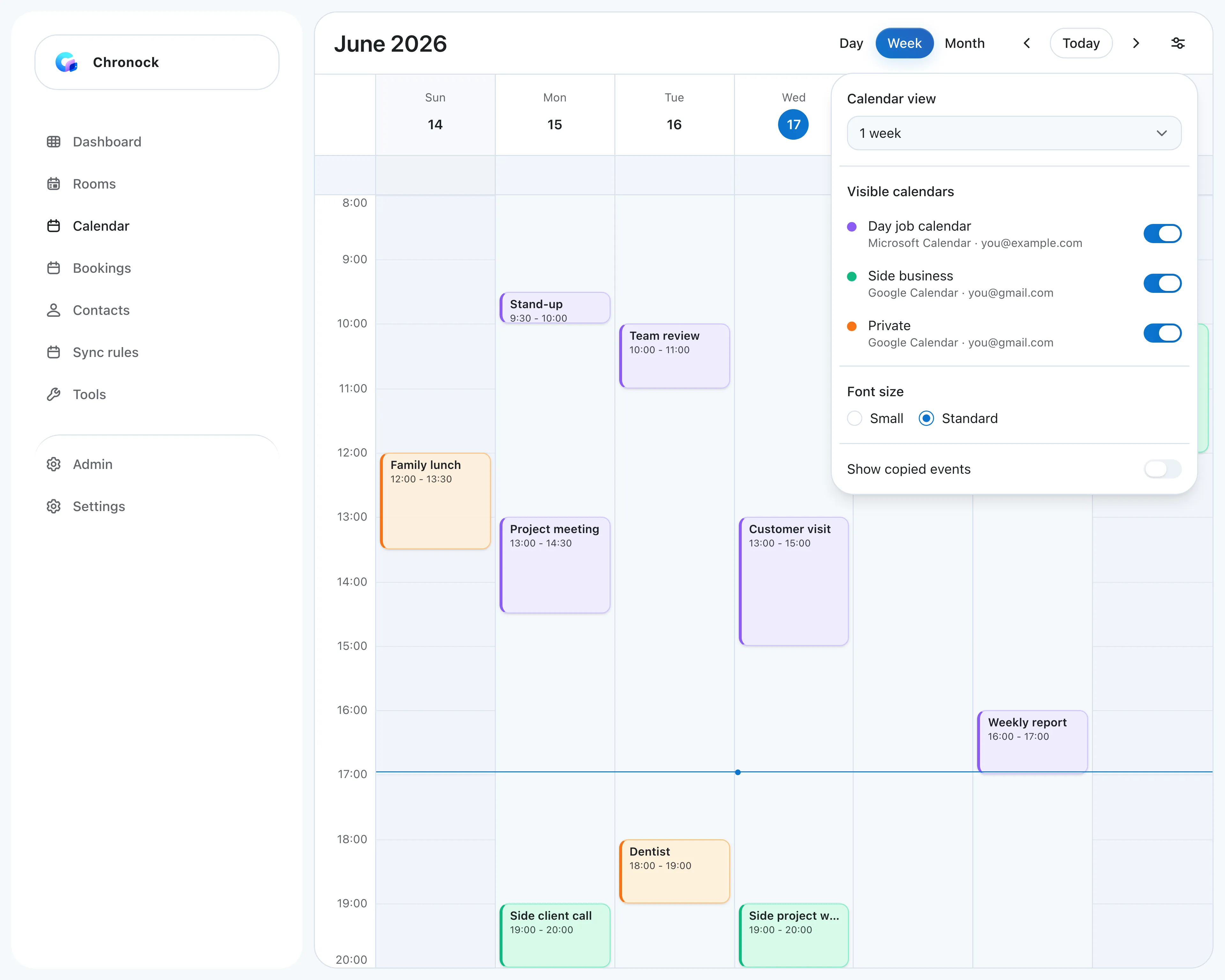
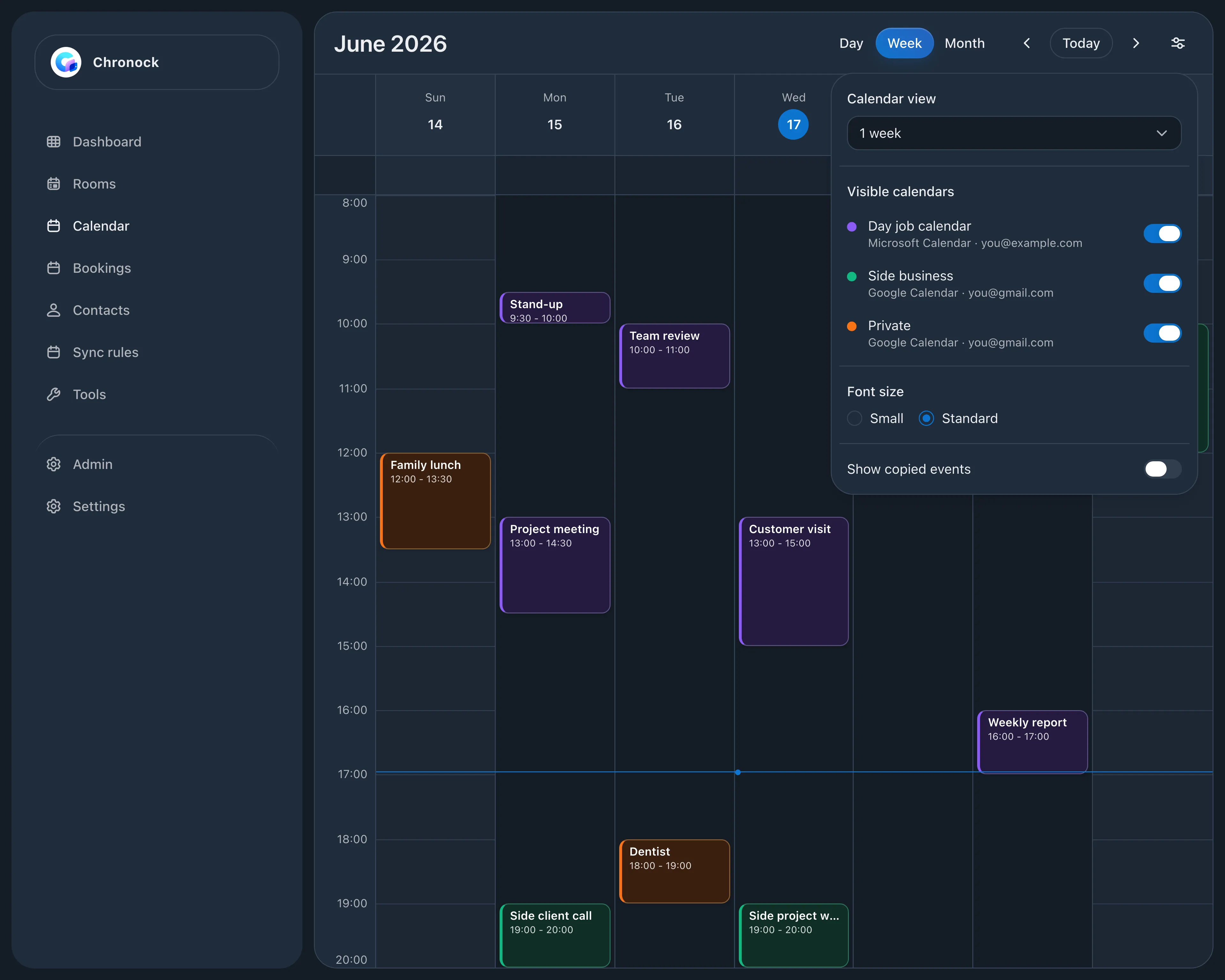
Connect your day job’s Microsoft 365 Outlook and your side-business and private Google Calendars to see the whole week on one screen. Turn off “Show copied events” in display settings, and the events Chronock copied won’t appear twice.

  • Outlook and Google Calendar events together in day, week, or month view
  • Turn off “Show copied events” so copies don’t appear twice
  • Choose whether a new event goes to your day-job, side-business, or private calendar
Integrated calendar week view combining a day-job Outlook calendar with side-business and private Google Calendars

FAQ

Will my side-business events show their details on my work calendar?
No. Sync destinations can be set to show just “busy”, blocking the time while keeping event titles and details hidden.
Is calendar sync available on the Free plan?
Yes. Free includes one one-way, Busy-only calendar sync rule. Multiple rules, bidirectional sync, and event detail copying are available with Pro.
Is the sync real-time?
Yes. Changes in connected Google Calendars are reflected in availability detection and cross-calendar sync in real time.

Related articles

Chronock logo and the integrated calendar on a phone

Chronock

Your calendars and scheduling, all in one place.

Manage Google Calendar and Outlook, share booking pages, and stop double booking with automatic event copying. Start free.

Free

For one person starting with scheduling links and automatic event copying

$0/month

  • 1 active booking slot
  • Shareable booking page
  • Up to 2 connected calendars
  • Zoom and Slack integrations
  • 1 one-way calendar sync rule (Busy only)
Get started free

Pro

For teams scheduling together, or anyone who needs multiple or two-way sync rules

Most popular

$6.67+/ user / month

Effective monthly price with annual billing

  • Unlimited booking slots
  • Unlimited one-way and bidirectional sync with event details
  • Group scheduling
  • CRM (bookings & contacts)
Start 7-day Pro trial